

1
Sign up with GitHub
Go to overwatch.xerg.ai and choose Sign up with GitHub. GitHub asks you to install the Xerg App on your organization or account and pick its repos: all of them, or only the ones you choose.The app is read-only: it can read file contents and repo metadata, and your email address for sign-in. See GitHub for its exact permissions.
2
Set up
Xerg makes a workspace for the GitHub account you installed it on and asks what to map. The quick setup is already chosen: every repo the app can see (but forks and archived repos), with config files and source files read. Choose Map N repos, or open Advanced options to choose repos, read config files only, or find services your code no longer uses. See Setup.
3
See your map
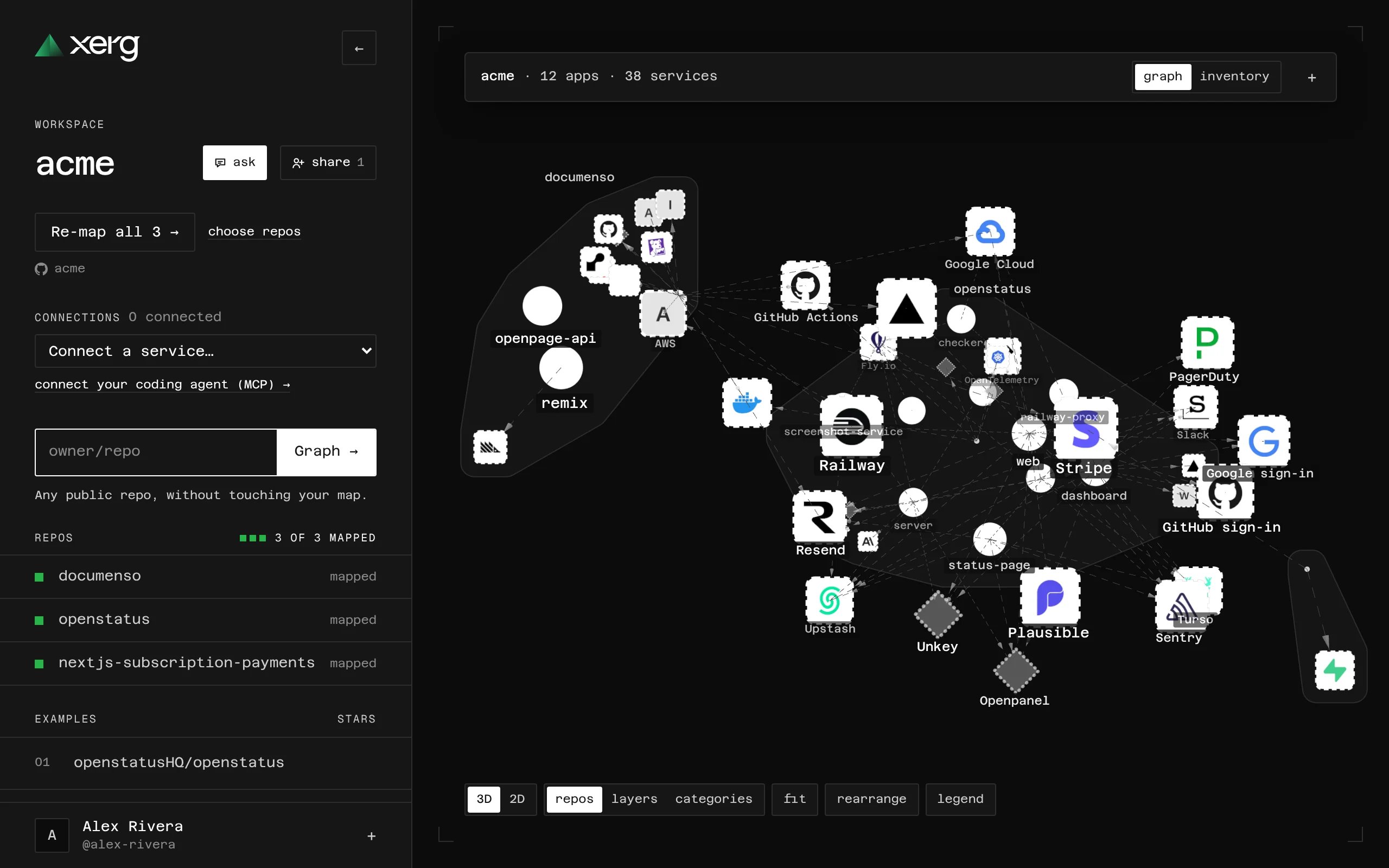
Xerg maps the repos setup chose. Each repo becomes an area with its apps inside, and the outside services they use sit around them.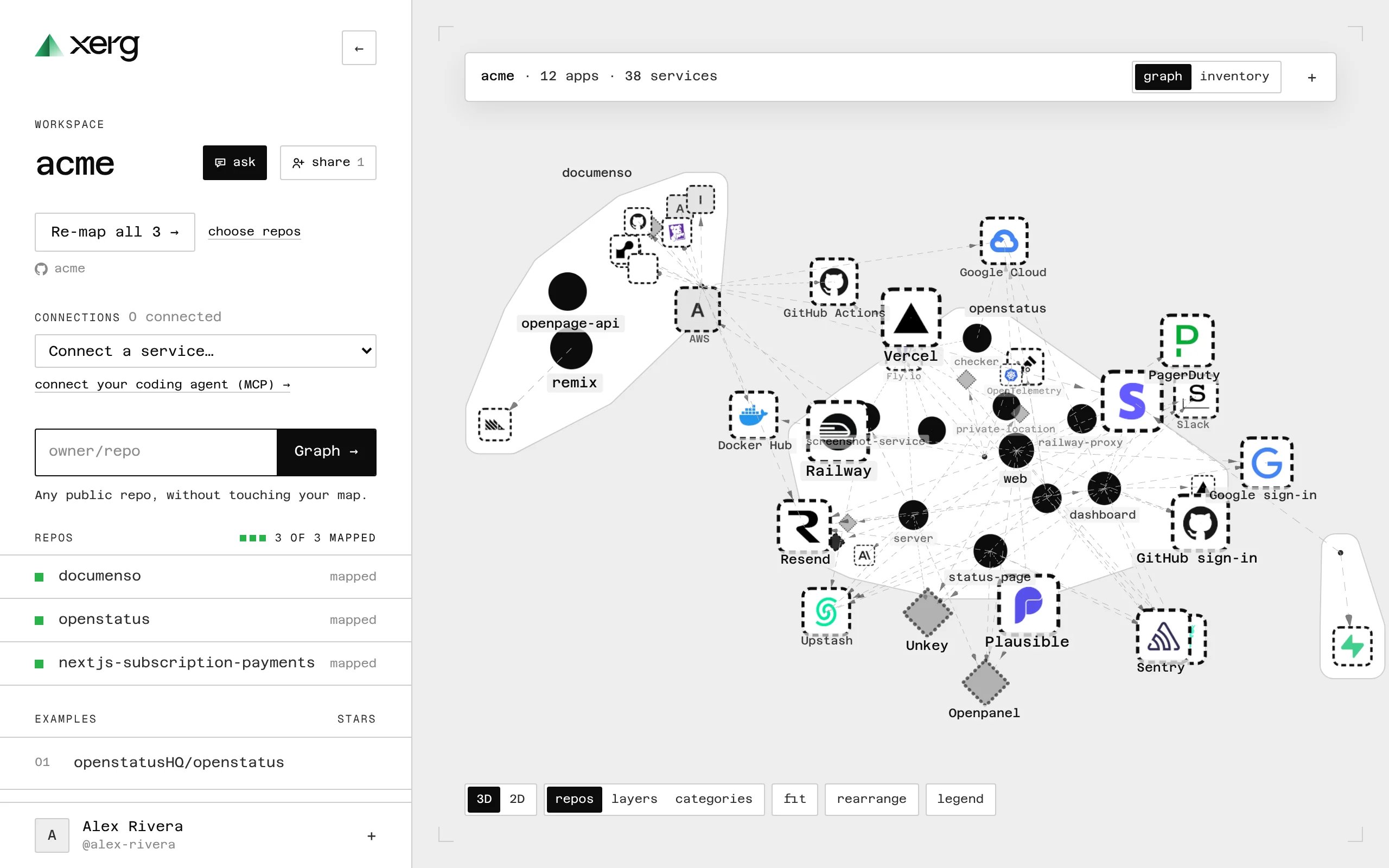
4
Click anything
Click an item’s icon or name to see what it is, where in your code it was found, and its traffic: what it calls, and who sends it webhooks. See Shapes and lines for what the map shows.
5
Connect a service
Everything found in code has a dashed outline until a connected account confirms it. In an item’s details, choose Connect and follow the steps. See Connecting a service.
6
Invite your team
Choose Share to invite people by email. Viewers are free: they see the map, its history and every item’s details. See Teams and roles.
Not an owner of your GitHub organization?
GitHub sends your install to the organization’s owners as a request. Until they approve it, you can map public repos. Xerg picks up the install as soon as it’s approved.Just looking?
You can map any public repo without signing up: typeowner/repo on the home page, or open one of the examples.