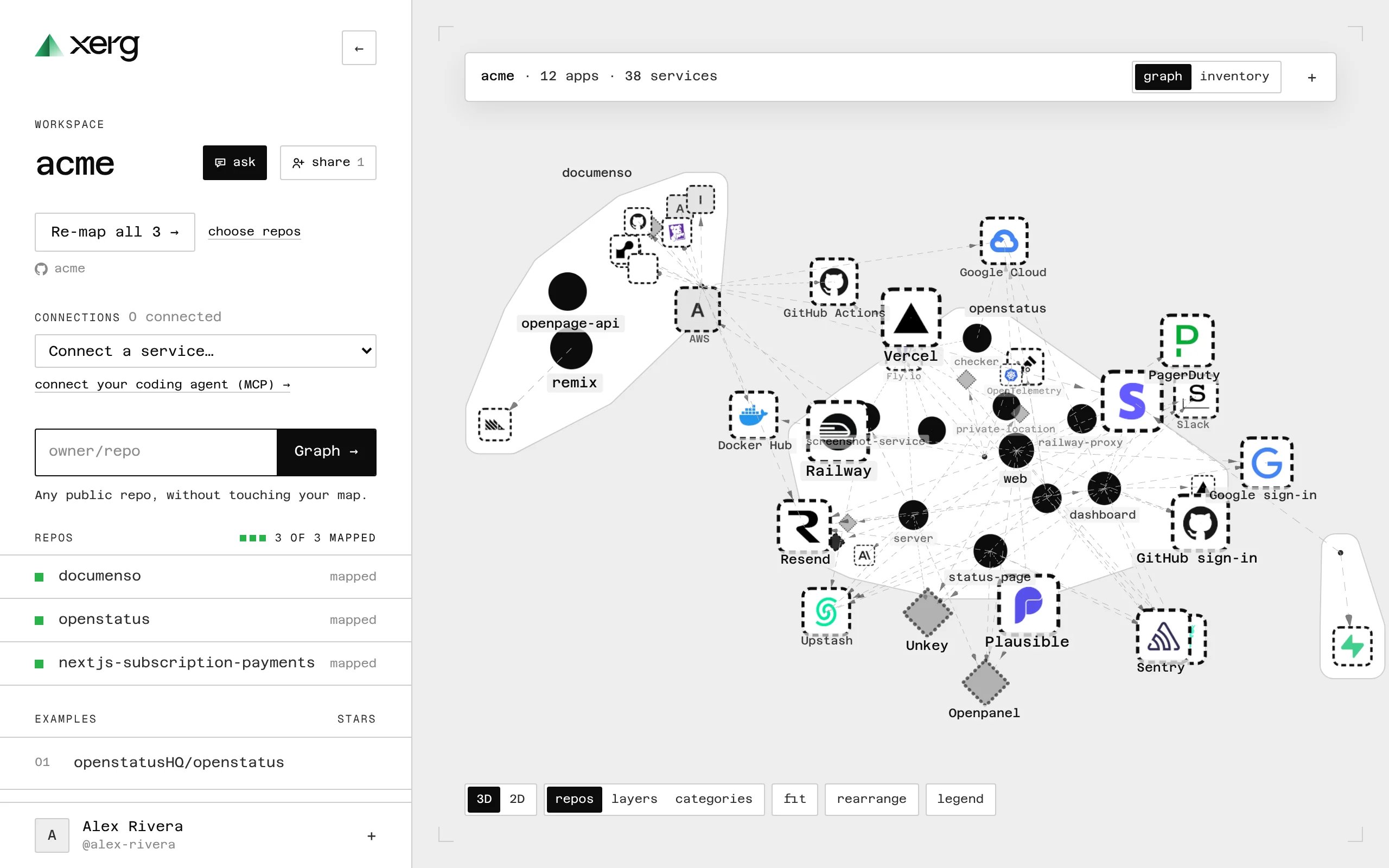
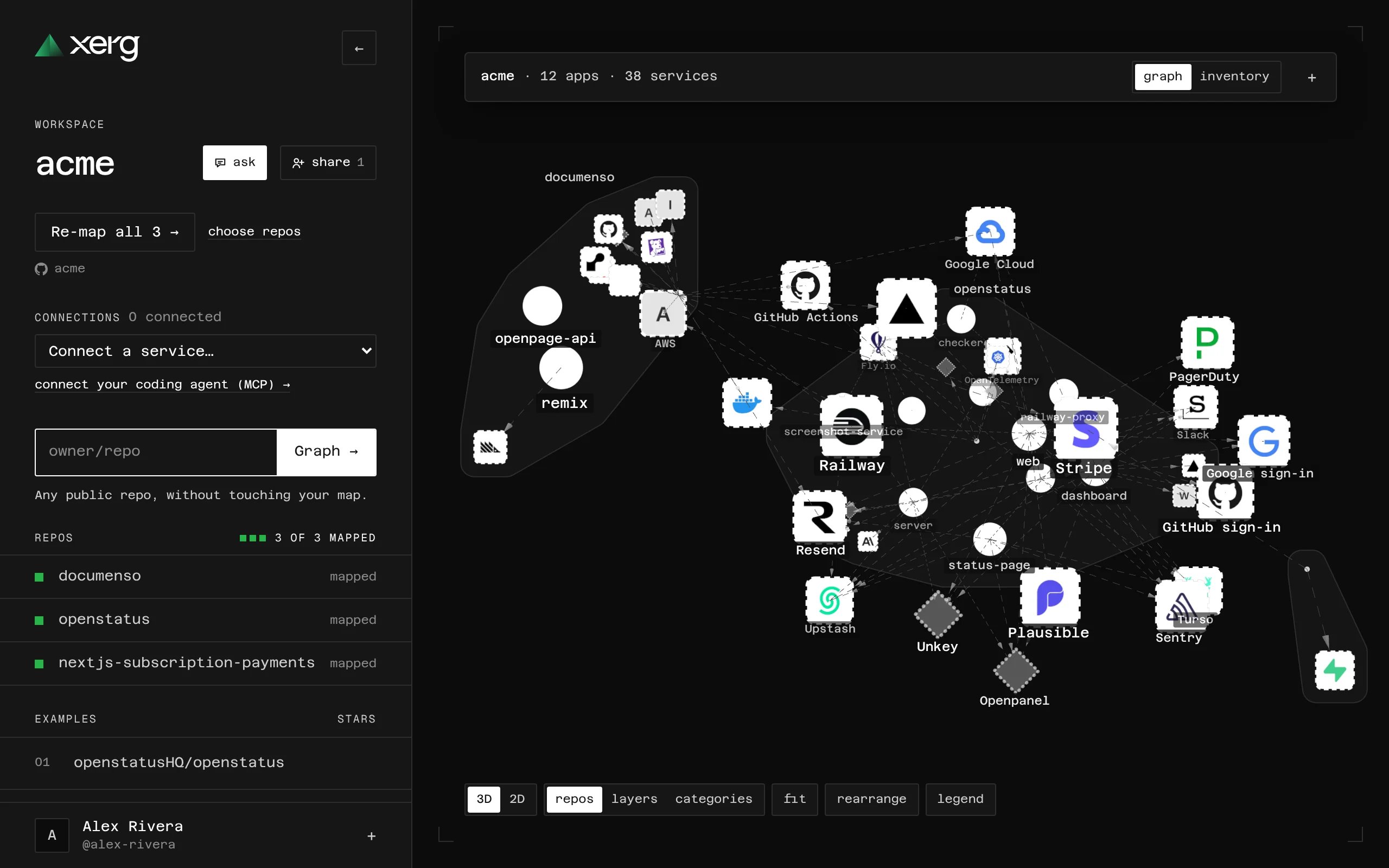
Xerg audits OpenClaw and Hermes usage in dollars rather than tokens. It reads local gateway logs and session transcripts, normalizes runs locally, and surfaces where spend is leaking.
Hosted features such as dashboard pushes, Ask Xerg, and the hosted MCP server require a Pro or Enterprise workspace.

What Xerg does

  • Audits local OpenClaw and Hermes activity from default paths or explicit files.
  • Compares the current audit with the newest compatible cached snapshot.
  • Audits OpenClaw SSH and Railway targets from your local machine.
  • Exports human-readable, Markdown, and machine-readable JSON output.
  • Pushes summaries to the Xerg API and can fail CI when confirmed waste is above a threshold.
  • Exposes hosted audit history, recommendations, and selected control actions through a hosted MCP server for paid workspaces.

What Xerg surfaces

Xerg splits findings into two buckets:
  • Confirmed waste: retry-waste and loop-waste
  • Savings opportunities: context-outlier, idle-spend, and candidate-downgrade
The opportunity classes are directional. They are worth testing, but they are not proven waste.

Default data sources

By default, Xerg looks for:
  • OpenClaw gateway logs at /tmp/openclaw/openclaw-*.log
  • OpenClaw session transcripts at ~/.openclaw/agents/*/sessions/*.jsonl
  • Hermes logs at ~/.hermes/logs/agent.log* with gateway.log* fallback
  • Hermes session transcripts at ~/.hermes/sessions/
If your data lives elsewhere, use --log-file and --sessions-dir.

Start here

  1. Install Xerg.
  2. Run the quickstart.
  3. If the data lives elsewhere, start with doctor. Use remote audits for OpenClaw SSH and Railway targets.
  4. Learn the core model in waste taxonomy, metrics, and how it works.
  5. When you want hosted features, use push summaries and hosted MCP.
  6. When you want local automation, use CI gates.

Hosted and Pro features

If you use Xerg Pro or Enterprise, you can:
  • push audit summaries into a hosted workspace with authentication and push
  • query hosted audit history and recommendations from remote clients with hosted MCP
  • use Ask Xerg in the dashboard after your workspace has hosted data

Important v0 limits

  • Cost per outcome is intentionally unavailable in v0.
  • Opportunity findings are recommendations to test, not proven waste.
  • Xerg stores economic metadata and audit summaries locally. It does not store prompt or response content.